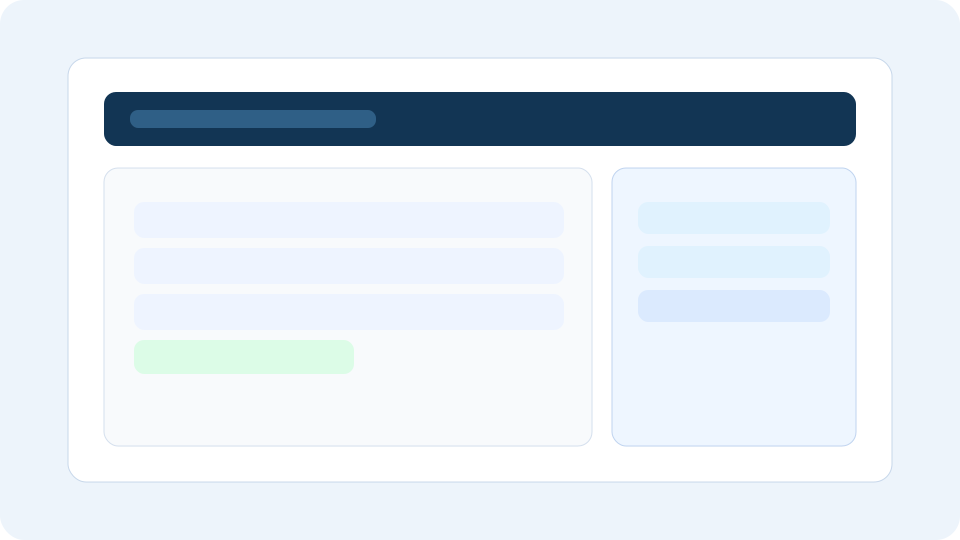
Step 1: Token setup
Magento Admin panel integration token creation flow.
How it works
Magento Dashboard is built to be fast to launch and stable under load with incremental sync and plan-aware limits.
Generate an Admin REST integration token in Magento and keep scope focused on data needed for analytics only.
No admin password is stored in Dashboard.
Submit connection details, run credential validation, and let the platform detect MSI or legacy inventory mode.
Typical onboarding for the first store is under 10 minutes.
Workers fetch only changed records using incremental checkpoints, retry transient failures, and apply rate limiting.
This protects Magento APIs while keeping data freshness high.
Dashboards load from local aggregates, and data retention windows follow your plan limits.
Higher tiers unlock deeper modules while keeping backend limits enforceable.
Visual walkthrough
Use these stages to align onboarding, sync monitoring, and reporting sign-off across your team.
Magento Admin panel integration token creation flow.
Dashboard connect form for base URL + token validation.
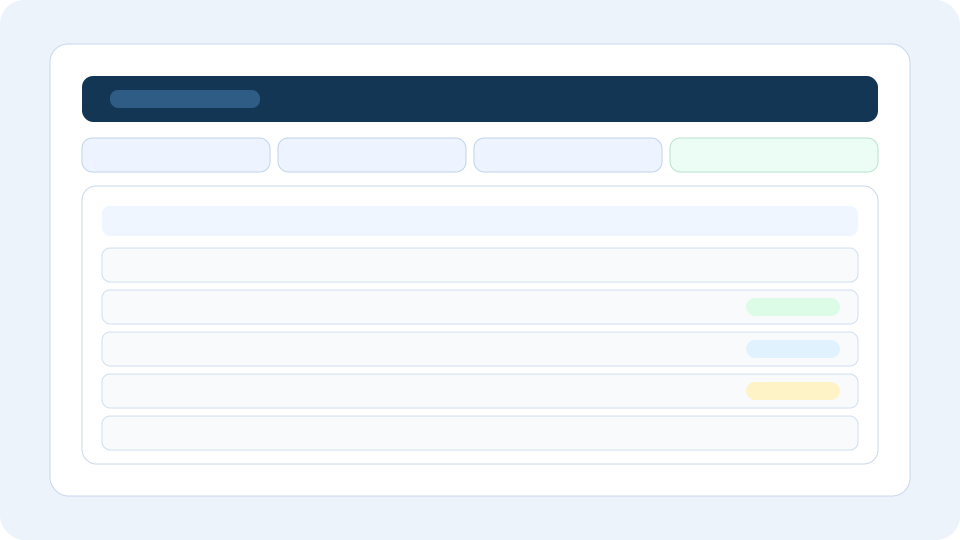
Sync status page with runs, retries, and health indicator.
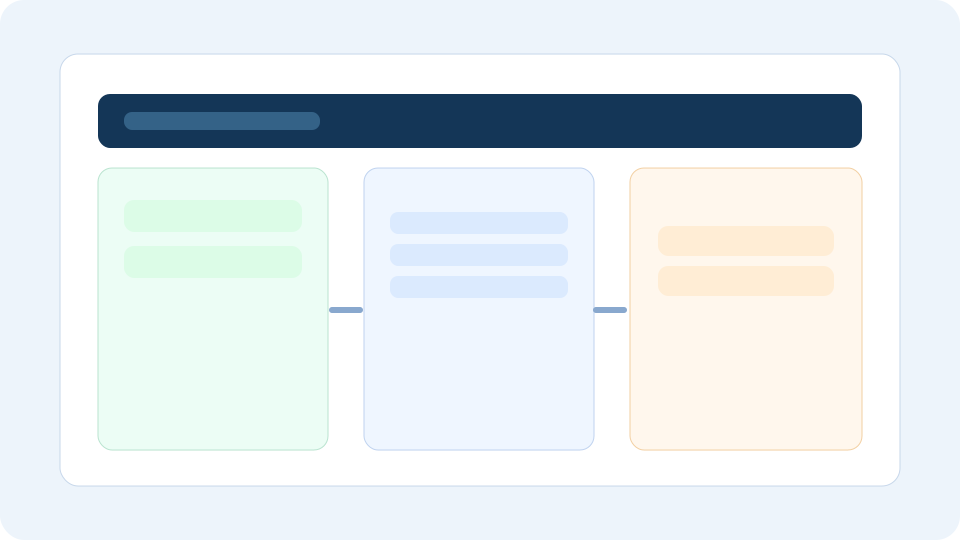
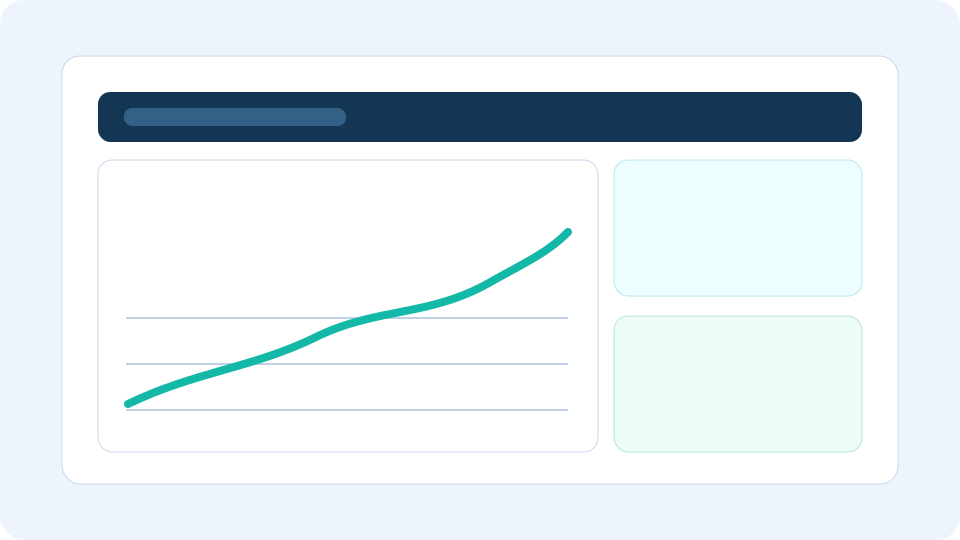
Revenue, orders, and AOV trend view from daily metrics.
Why it stays stable
Incremental pipelines, queue controls, and plan-based retention make the platform predictable for low and high volume stores.
The sync engine is designed to process deltas with retry/backoff and per-store request control.
Raw synced records are retained according to plan limits, while aggregate tables preserve long-term reporting continuity.
UI pages query local indexed tables and aggregates, not real-time Magento APIs, for stable response times.
Start a free trial, connect one store, and validate incremental sync from day one.